List
To display a list, we use the component list.
list.js
const listJSON =  {
    "component": "list", //tells the component name
    "data": "@languages", // an array of list items
},
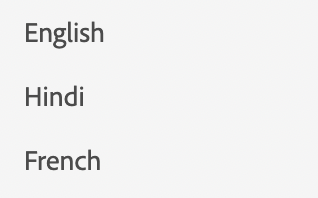
Here, language is a simple array of strings. languages = ["English", "Hindi", "French"]
In case we want to render a list of objects, we can specify the structure using item config.
list.js
const listJSON =  {
    "component": "list", //tells the component name
    "data": "@projects", // an array of list items
    "itemConfig": { // used to define the structure of the list items.
    "component": "widget",
    "id": "checkbox_label"
    }
},
Usually itemConfig is a widget. To learn more about widgets go to Widgets
The rendered list will look like this: